
Backendless Websites: How to Build Without a Server
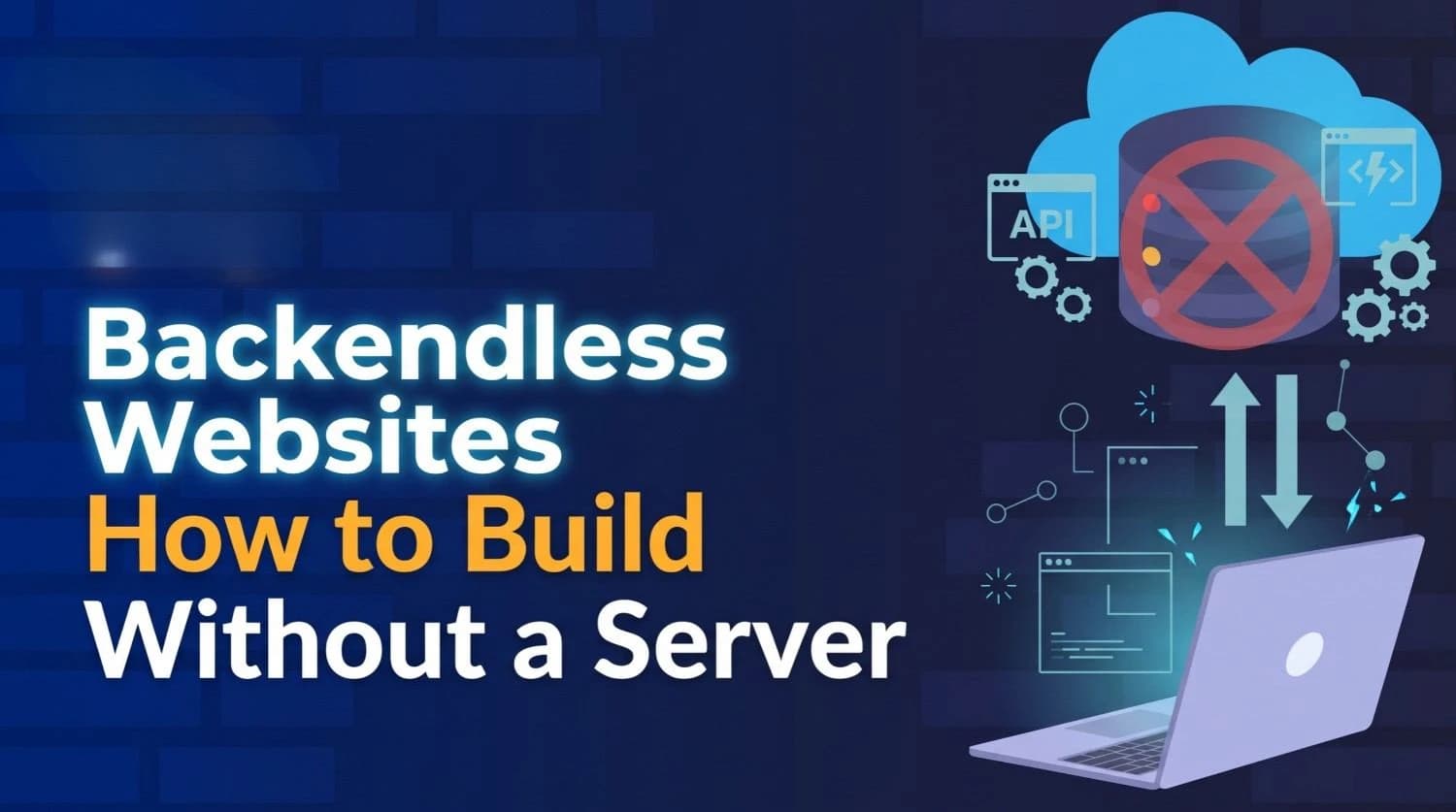
A website can display content, collect enquiries, publish articles and even support user accounts without a developer building a traditional backend from scratch. Modern hosting platforms, APIs and managed cloud services make these features accessible without maintaining a dedicated application server.
This approach is often called backendless website development. It can simplify deployment and reduce infrastructure maintenance, but it does not mean that every website function runs entirely in the browser. The real advantage is that developers can use prebuilt services instead of creating and managing every backend component themselves.
A traditional web application commonly has three parts: a frontend, a backend and a database. The frontend displays the interface, the backend processes requests and business logic, and the database stores information.
A backendless website changes how these responsibilities are handled. Pages can be generated ahead of time and delivered as static files. When dynamic functionality is required, the frontend can communicate with managed APIs, cloud databases, authentication services or serverless functions.
This architecture is closely associated with Jamstack: JavaScript, APIs and markup. Its central idea is to separate the user interface from services that provide data and functionality.
One distinction matters: a website without a custom backend is not necessarily a website without server-side infrastructure. Hosting providers and managed platforms still run systems behind the scenes.
A typical backendless architecture combines three layers.
1. Static frontend: HTML, CSS, JavaScript, images and other assets are prepared during a build process. A hosting provider distributes these files through a content delivery network (CDN).
2. External services and APIs: The website connects to services for content management, search, payments, email delivery or other capabilities. These services handle operations that would otherwise require custom backend code.
3. Serverless functions when necessary: Some operations need private credentials, validation or custom business rules. Serverless functions execute this code on demand without requiring developers to manage a continuously running server.
For example, a portfolio website can serve its pages as static files, load project information from a content API and send contact form submissions through a protected function.
The right tools depend on what the website needs to do.
Static site generators and frontend frameworks
Tools such as Astro, Eleventy, Hugo and Vite-based frameworks can help developers create websites that are built into static files. Static generation is particularly suitable for blogs, documentation, portfolios and marketing websites.
Backend as a Service (BaaS)
Platforms such as Firebase and Supabase provide managed services for common backend requirements. Depending on the platform and configuration, developers can use authentication, databases, file storage and APIs without building each component themselves.
Headless CMS platforms
A headless content management system stores and manages content separately from the website's presentation layer. The frontend retrieves articles, product descriptions or other content through an API.
This is useful when editors need a familiar publishing workflow but developers want control over the frontend.
Serverless hosting and functions
Platforms such as Cloudflare Pages and Firebase Hosting can serve static assets, while their associated serverless capabilities support dynamic operations. Cloudflare Pages Functions, for example, allow developers to add server-side code without operating a dedicated server.
Consider a small business website with service pages, a blog and a contact form. You can build it without creating a traditional backend application.
Step 1: Define the required features.
List what the website must support. A basic business site may need public pages, editable content, a contact form and analytics. It probably does not need a custom database or user-management system.
Step 2: Build the frontend.
Create the pages using HTML, CSS and JavaScript, or a framework such as Astro. Generate static pages wherever the content does not need to change for every visitor.
Step 3: Choose a hosting platform.
Deploy the generated files to a static hosting provider. Configure your domain, HTTPS and build process. A CDN can distribute assets from locations closer to visitors.
Step 4: Connect managed services.
Use a headless CMS if non-technical team members need to update articles. Add a managed form service or a serverless function to process enquiries. Avoid exposing private service credentials in browser code.
Step 5: Add dynamic functionality carefully.
If users need accounts or personalised data, integrate an authentication and database service. Configure access policies so each user can access only the information they are permitted to see.
Step 6: Test and deploy.
Test navigation, mobile layouts, form validation, error states and page loading. Check that API requests work in production, not just on your local machine. Monitor usage, service limits and failed requests after launch.
The main benefit is reduced infrastructure responsibility. Developers do not need to build and maintain every server-side component, which can make smaller projects easier to deliver.
Static pages can also be cached and distributed through a CDN, improving delivery performance and reducing dependence on dynamic page generation. Separating the frontend from managed services can make it easier to replace individual components later.
Security can benefit from a smaller custom server-side codebase, but backendless does not automatically mean secure. Authentication, access rules, API permissions and secret management still require careful configuration.
Backendless architecture is not suitable for every application.
Complex business rules, extensive transaction processing and highly customised workflows may require substantial server-side logic. A collection of third-party services can also create vendor dependency, separate billing arrangements and multiple points of failure.
Another common risk is exposing secrets. Anything included in browser-delivered JavaScript can be inspected by visitors. Private API keys, database passwords and privileged service credentials must stay in protected server-side environments.
You should also consider service quotas, data export options, backup policies, regional availability and what happens if a provider changes its pricing or features.
Start with static pages and add dynamic services only when requirements justify them.
Use managed authentication and enforce database access policies.
Keep private credentials in server-side functions or secure environment variables.
Review provider limits, backups and pricing before committing to a platform.
Assuming frontend JavaScript can safely protect secret keys.
Giving every visitor broad database permissions.
Adding several services when one managed platform could meet the requirements.
Ignoring error handling, monitoring and service outages.
1. Can a website work without a backend?
Yes. A static website can serve pages and assets without a custom backend application. Dynamic features can be added through external APIs and managed services.
2. Can I build a website without a database?
Yes. Portfolios, landing pages, documentation sites and many blogs can work without a database at runtime. A CMS or database becomes useful when content or user data needs to be stored and updated dynamically.
3. Is backendless development the same as serverless?
No. Backendless usually describes an approach that avoids building a traditional backend. Serverless describes a cloud execution model in which the provider manages the underlying infrastructure. Backendless websites may use serverless functions.
4. Can I add login and registration without building a backend?
Yes. Managed authentication services can handle registration, login and identity management. However, the application must still enforce authorization and protect access to private data.
5. Is a backendless website suitable for e-commerce?
It can work for some storefronts by using managed product, checkout and payment services. However, order processing, inventory, payment verification and customer data require secure server-side handling, even if the developer does not build a traditional backend.
Building a website without a traditional backend is a practical option for projects that do not need a fully custom server-side application. Static site generation, managed APIs, headless CMS platforms and serverless functions allow developers to deliver useful features while reducing infrastructure maintenance.
The best architecture depends on the website's actual requirements. Start with the simplest approach that can safely support the necessary features, then introduce managed backend services or custom functions when the project needs them. That keeps the system easier to maintain without sacrificing functionality or security.
Written by
Alaffiya Madarwala
Last updated
19 November 2026
