Top 10 Chrome Extensions Every Developer Should Use in 2026
Top 10 Chrome Extensions Every Developer Should Use in 2026
As a developer, your web browser is more than just a tool for browsing the internet—it's an essential part of your daily workflow. Whether you're building websites, debugging code, testing APIs, or optimizing performance, the right Chrome extensions can help you work faster and more efficiently.
In this guide, we'll explore the 10 best Chrome extensions for developers in 2026 that can improve productivity, simplify debugging, and enhance your overall development experience.
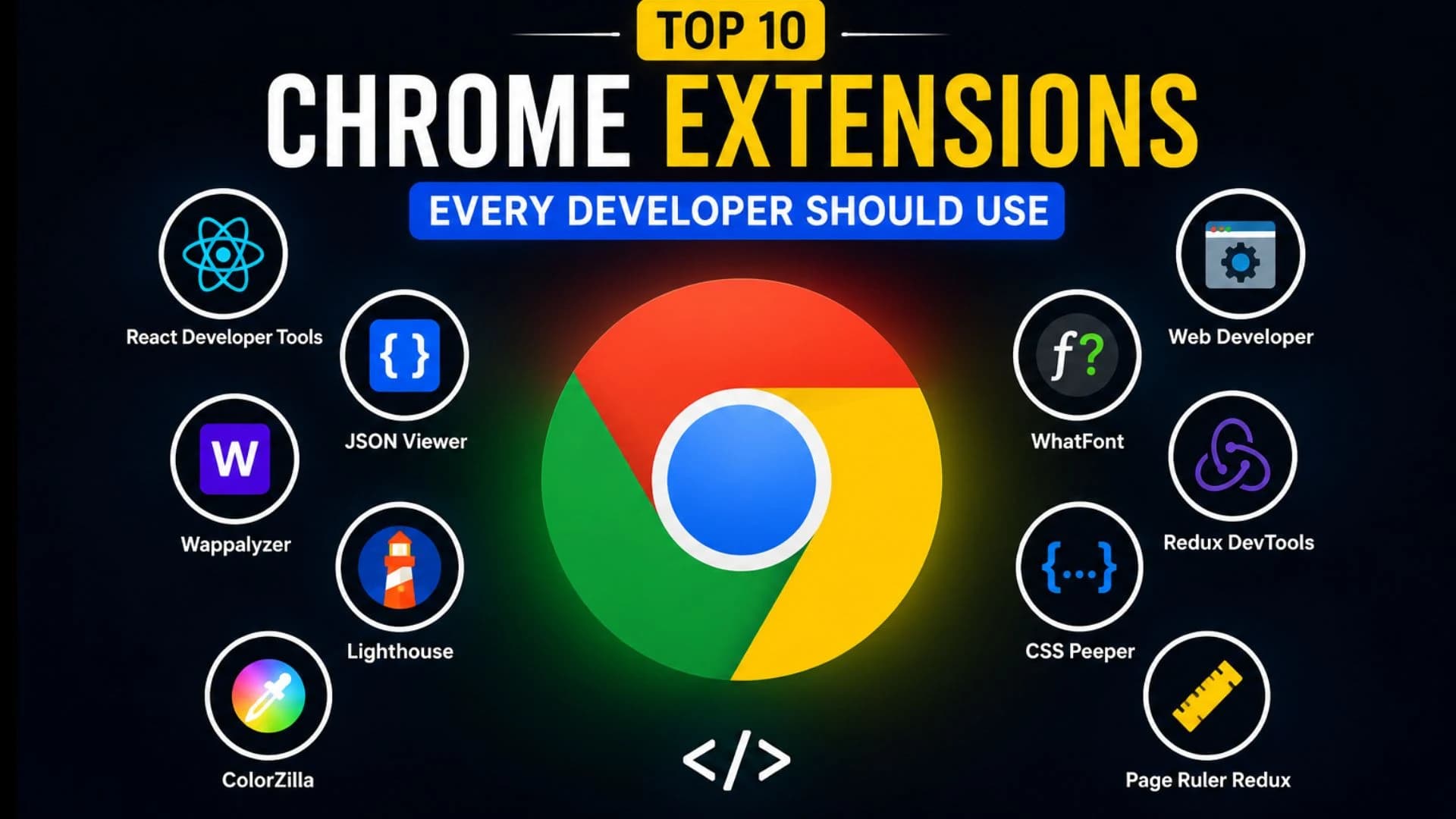
Top 10 Extensions
1. React Developer Tools
Inspect React components, props, and state directly from Chrome.
2. JSON Viewer
View and format JSON data in a clean, readable structure.
3. Wappalyzer
Identify the technologies used on any website, including frameworks, CMS platforms, analytics, and hosting providers.
4. Lighthouse
Analyze website performance, SEO, accessibility, and best practices with a single click.
5. ColorZilla
Pick colors from any webpage and generate CSS gradients instantly.
6. Web Developer
Access dozens of tools for inspecting, testing, and debugging websites.
7. WhatFont
Identify fonts used on websites without inspecting the source code.
8. Redux DevTools
Debug Redux state and actions in React applications.
9. CSS Peeper
Inspect colors, typography, spacing, and design styles without opening DevTools.
10. Page Ruler Redux
Measure spacing, margins, and element dimensions directly on web pages.
Why Developers Should Use Chrome Extensions
The right extensions help developers:
Debug websites faster
Improve productivity
Analyze performance
Discover technologies
Speed up frontend development
Simplify UI inspection
Frequently Asked Questions
Are Chrome extensions safe for developers?
Most extensions available through the Chrome Web Store are safe, but always review permissions and install only trusted extensions.
Do Chrome extensions affect browser performance?
Installing too many extensions may slow down Chrome. Keep only the ones you regularly use.
Which Chrome extension is best for frontend developers?
Lighthouse, ColorZilla, CSS Peeper, WhatFont, and React Developer Tools are among the most useful for frontend development.
Conclusion
Chrome extensions can significantly improve your development workflow by reducing repetitive tasks and providing powerful debugging tools. Whether you're a frontend, backend, or full-stack developer, these extensions will help you code smarter, test faster, and build better applications.
Written by
Praxiaskill
Last updated
29 July 2026