
Top 10 VS Code Extensions Every Developer Should Install in 2026
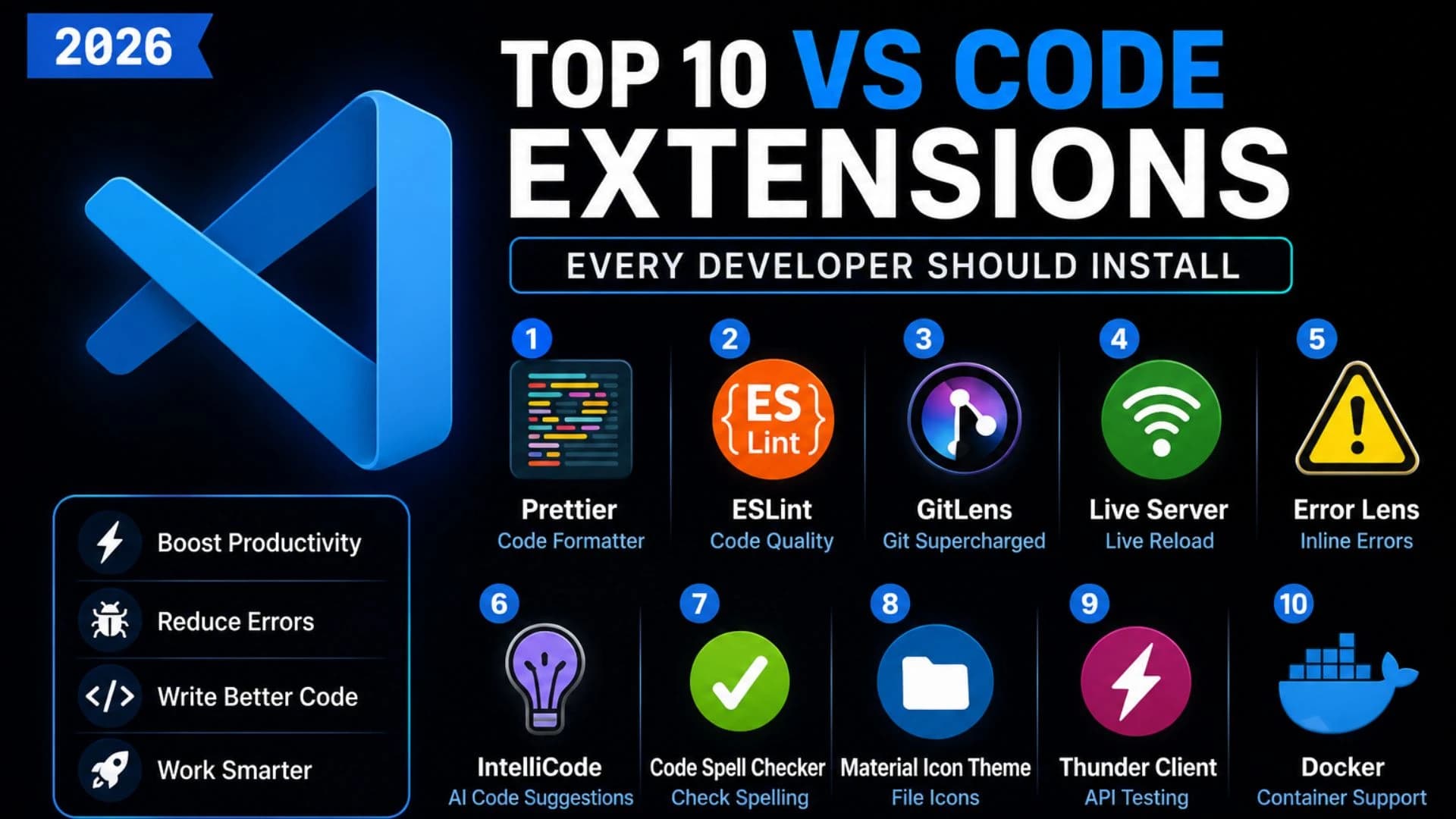
Top 10 VS Code Extensions Every Developer Should Install in 2026
Visual Studio Code (VS Code) has become one of the most popular code editors among developers due to its speed, flexibility, and massive extension ecosystem. Whether you're a beginner learning HTML or a professional building enterprise applications, the right extensions can dramatically improve your productivity.
In this guide, we'll explore the 10 best VS Code extensions in 2026 that every developer should install to write cleaner code, save time, and streamline their development workflow.
1. Prettier – Code Formatter
Prettier automatically formats your code to maintain a consistent style across your project. It supports JavaScript, TypeScript, HTML, CSS, JSON, Markdown, and many other languages.
Best For: Clean and readable code.
2. ESLint
ESLint detects coding errors and enforces coding standards. It helps developers catch bugs early and maintain high-quality JavaScript and TypeScript code.
Best For: Error detection and code quality.
3. GitLens
GitLens enhances Git integration inside VS Code by showing commit history, author information, and file changes directly within the editor.
Best For: Git productivity and version tracking.
4. Live Server
Live Server launches a local development server with automatic browser refresh whenever you save changes.
Best For: HTML, CSS, and JavaScript development.
5. Error Lens
Error Lens displays errors and warnings inline, allowing you to identify issues without opening the Problems panel.
Best For: Faster debugging.
6. IntelliCode
Powered by AI, IntelliCode provides smart code suggestions based on best practices and your coding patterns.
Best For: Faster coding with intelligent recommendations.
7. Code Spell Checker
Avoid spelling mistakes in comments, variables, documentation, and strings with this lightweight extension.
Best For: Documentation and clean code.
8. Material Icon Theme
Replace default file icons with visually distinct icons for folders, file types, and frameworks to make project navigation easier.
Best For: Better project organization.
9. Thunder Client
Thunder Client is a lightweight API testing extension built directly into VS Code. It allows developers to test REST APIs without leaving the editor.
Best For: API development and testing.
10. Docker
The Docker extension lets you build, manage, and monitor containers directly from VS Code, making containerized development more efficient.
Best For: DevOps and cloud-native development.
Quick Comparison Table
Extension | Primary Use |
|---|---|
Prettier | Code Formatting |
ESLint | Code Quality |
GitLens | Git Integration |
Live Server | Local Development |
Error Lens | Debugging |
IntelliCode | AI Code Suggestions |
Code Spell Checker | Spelling |
Material Icon Theme | Project Navigation |
Thunder Client | API Testing |
Docker | Container Management |
Why These Extensions Matter
Using the right VS Code extensions helps developers:
Write cleaner code
Reduce development time
Catch bugs earlier
Improve collaboration
Increase productivity
Enhance project organization
Frequently Asked Questions
Which is the best VS Code extension for beginners?
Prettier, Live Server, ESLint, and GitLens are excellent starting points.
Are VS Code extensions free?
Most popular extensions are free to download and use.
Do extensions slow down VS Code?
Installing too many extensions may affect performance. It's best to use only the extensions you need.
Can I use these extensions for React, Python, and Node.js?
Yes. Most of these extensions support multiple programming languages and frameworks.
Conclusion
Visual Studio Code becomes even more powerful when paired with the right extensions. Whether you're building websites, mobile apps, APIs, or cloud applications, these tools can improve your coding speed, reduce errors, and create a more enjoyable development experience. Start with the essentials and expand your toolkit as your skills grow.
Written by
Praxiaskill
Last updated
27 July 2026