
Figma Variables vs Design Tokens: Key Differences
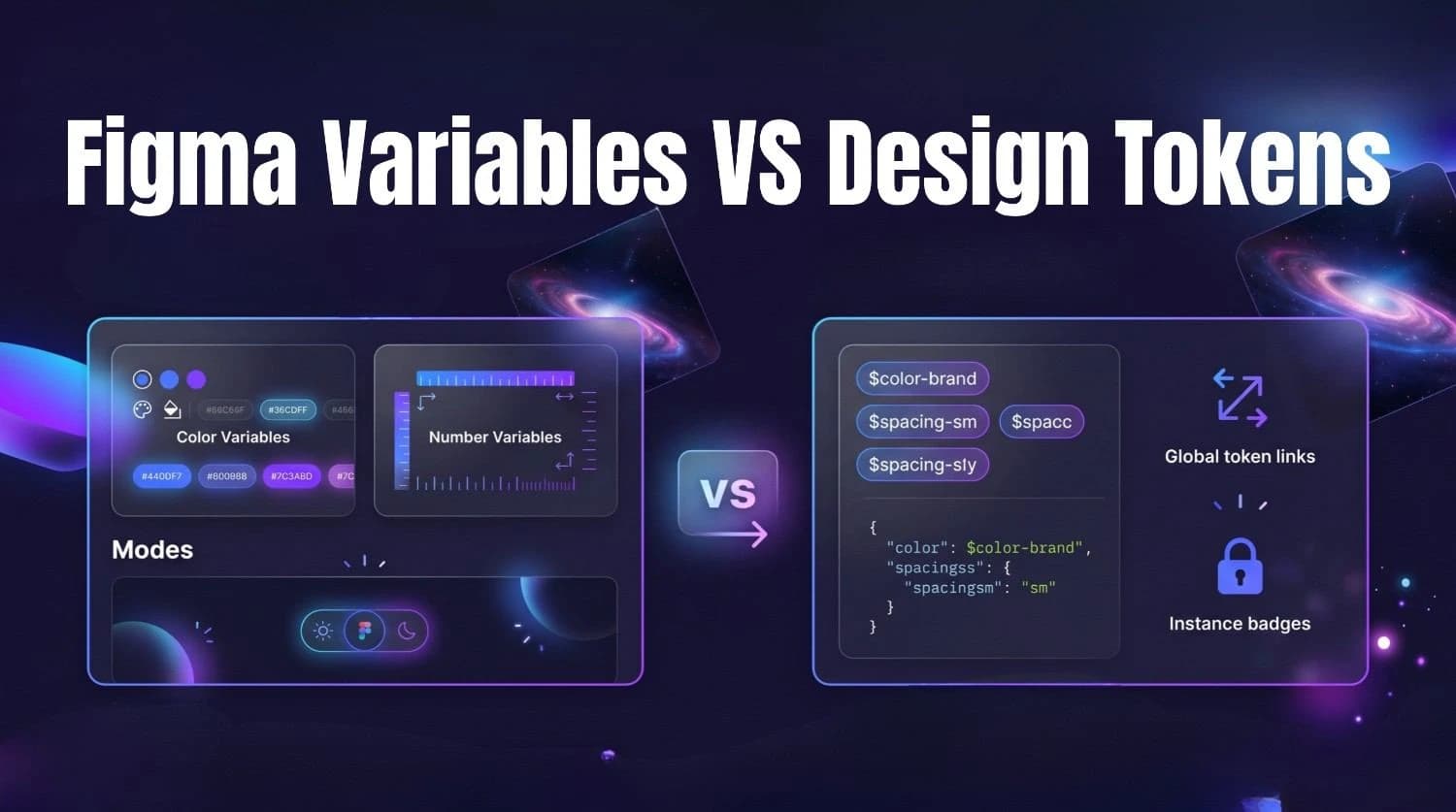
A design system can look consistent in Figma but become difficult to maintain when developers start implementing it across websites, mobile applications and other platforms. Colors change, spacing values become inconsistent, and different teams sometimes use slightly different versions of the same design decision.
This is where reusable design values become essential. Two terms frequently discussed in modern UI/UX workflows are Figma variables and design tokens. Although they are closely connected, they are not interchangeable concepts. Understanding their relationship helps designers and developers create more maintainable digital products.
Figma variables are reusable values that designers can assign to different properties within a design file. Instead of manually entering the same color, spacing or dimension repeatedly, designers can create a variable and apply it wherever needed.
For example, a designer might create a color variable called color-primary and assign it the value #2563EB. Buttons, links and other interface elements can reference this variable.
If the primary brand color changes, updating the variable can update all connected design elements.
Figma supports six variable types:
Color: Stores colors and opacity-related values.
Number: Handles dimensions, spacing, font properties and other numerical values.
String: Stores reusable text content.
Boolean: Represents true or false values.
Timing: Stores animation durations.
Easing: Defines animation easing curves and spring settings.
Figma also provides collections, groups and modes to organize variables and manage different design contexts.
Design tokens are named representations of design decisions that can be reused across different products, platforms and development environments.
Instead of storing a color as an isolated hexadecimal value, a team assigns it a meaningful name. Developers can then reference that name in their implementation.
For example:
:root {
--color-primary: #2563eb;
--color-text: #1f2937;
--spacing-medium: 16px;
--border-radius: 8px;
}
These names make design decisions easier to understand and maintain.
Design tokens can represent colors, typography, spacing, borders, shadows, dimensions and other interface properties. They can also be organized into different levels.
Primitive tokens store foundational values, such as a color palette or spacing scale.
Semantic tokens describe the purpose of a value. For example, color-text-primary communicates that a color is intended for primary text rather than simply identifying a shade of blue.
The Design Tokens Community Group (DTCG) has developed a format for representing tokens in a structured, interoperable way. Its specification supports typed values, references and other token-related information.
The most important distinction is that design tokens are the broader design-system concept, while Figma variables are a feature within Figma that can implement and manage token-like values.
Comparison | Figma Variables | Design Tokens |
Meaning | Reusable values inside Figma | Reusable design decisions |
Primary environment | Figma Design | Design and development ecosystems |
Main purpose | Manage design properties | Maintain consistency across platforms |
Organization | Collections and groups | Namespaces and token structures |
Context switching | Supports variable modes | Can represent themes through token sets or references |
Development usage | Can be inspected and exported | Can be implemented directly in code |
Portability | Depends on integration and export | Can use interoperable formats such as DTCG |
A useful way to remember the distinction is that a Figma variable can represent a design token, but the complete token system may extend far beyond Figma.
Figma variables become particularly useful when a team manages multiple themes or maintains a large interface.
Create a consistent foundation
Start by defining reusable values for brand colors, typography, spacing and other frequently used properties.
For example, create variables such as:
blue-600
gray-900
spacing-16
radius-8
These foundational values can become primitive tokens in a broader design system.
Use semantic naming
Instead of applying a primitive color directly to every component, create meaningful aliases.
For example:
blue-600 represents a foundational color.
color-button-primary represents its intended purpose.
If the brand palette changes, the semantic variable can reference a different foundational value without requiring designers to update every component individually.
Use modes for different contexts
Variable modes allow a collection to contain different values for the same variables.
A common example is light and dark themes. The variable name remains consistent while its value changes depending on the selected mode.
Teams can also use modes for different device contexts or localized content where appropriate.
Connect design decisions with development
Once variables are organized, teams can export or integrate their token data into development workflows.
Figma supports importing and exporting variable modes using JSON that follows the DTCG format. However, exporting values alone does not guarantee a complete production-ready design-token pipeline. Teams still need to validate naming, references, platform compatibility and code-generation requirements.
Imagine a company developing an e-commerce website with desktop and mobile interfaces.
Without reusable variables, designers might manually enter the same button color, border radius and spacing values throughout multiple screens. Developers may independently reproduce those values in CSS.
Over time, small differences appear.
A more structured workflow starts with foundational values:
{
"blue": {
"$type": "color",
"$value": "#2563EB"
},
"button-primary": {
"$type": "color",
"$value": "{blue}"
},
"spacing-medium": {
"$type": "dimension",
"$value": "16px"
}
}
This is an illustrative token structure; teams should validate exact syntax and supported types against the DTCG version and their tooling.
Designers can manage corresponding values through Figma variables, while developers consume the token definitions through their implementation workflow.
The benefit is not simply faster design work. It is a shared reference for how the product should look and behave.
The answer depends on the scope of your project.
Choose Figma variables when:
Your team primarily manages interface designs in Figma.
You need reusable colors, spacing and typography values.
You want to switch between light and dark themes.
You need a more organized design file.
Build a broader design-token system when:
Multiple developers and designers work together.
Your product supports web, Android and iOS.
You need consistent values across several applications.
Design decisions must be shared through code and multiple tools.
For growing organizations, these approaches work best together. Figma can serve as an important design interface, while a structured token system supports consistency across the wider product ecosystem.
Establish a consistent naming convention before creating hundreds of variables.
Separate primitive values from semantic design decisions.
Use variable modes for genuine contextual differences rather than creating duplicate collections unnecessarily.
Document token ownership and approval responsibilities.
Validate exported JSON before using it in production.
Keep designers and developers involved in token changes.
Treating variables and tokens as identical: Remember that variables are a Figma implementation mechanism, whereas tokens represent a broader system.
Using unclear names: Names such as blue-2 provide less context than meaningful semantic names.
Duplicating values: Repeated hardcoded values make updates difficult and introduce inconsistencies.
Ignoring development requirements: A Figma collection may look organized but still require transformation and validation before developers can use it.
Overcomplicating the structure: Too many token layers can make a system difficult to understand and maintain.
1. Are Figma variables and design tokens the same?
No. Design tokens are reusable design decisions, while Figma variables are reusable values within Figma that can be used to implement those decisions.
2. Can Figma variables replace design tokens?
They can support a design-token system, but they do not automatically replace the broader system needed to manage design values across multiple platforms and development environments.
3. Can Figma variables be exported to code?
Figma supports importing and exporting variable modes through JSON using the DTCG format. Additional transformation or integration may be necessary before using the values in production code.
4. What is the difference between primitive and semantic tokens?
Primitive tokens store foundational values, such as colors and spacing. Semantic tokens describe how those values are used, such as primary text color or button background.
5. Should beginners learn Figma variables or design tokens first?
Beginners can start with Figma variables to understand reusable design values. Learning design-token architecture afterward helps them understand how those values connect with real development workflows.
Figma variables and design tokens solve related but different problems. Variables make it easier to manage reusable values inside Figma, while design tokens establish a consistent language for design decisions across tools and platforms.
For small projects, Figma variables may provide everything a designer needs. For larger products, combining them with a structured, documented design-token system creates a more reliable workflow between design and development.
Understanding this distinction is an important step toward building scalable interfaces rather than simply creating visually consistent screens.
Written by
Alaffiya Madarwala
Last updated
19 November 2026
