
Git vs GitHub: What's the Difference? A Beginner's Guide (2026)
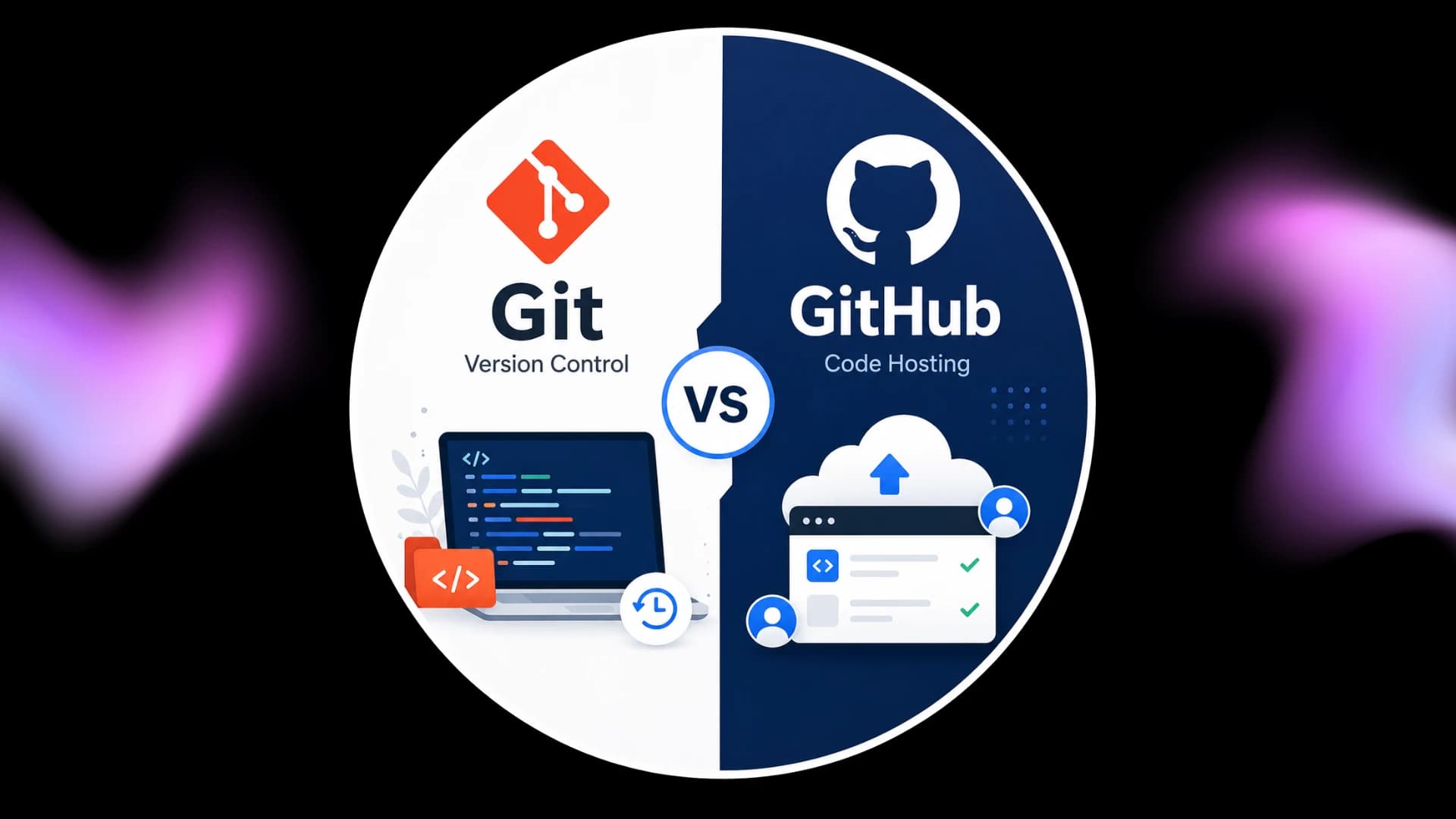
Git vs GitHub: What's the Difference?
If you're starting your journey in programming, web development, or software engineering, you've probably heard the terms Git and GitHub. Many beginners think they are the same thing, but they serve different purposes.
Understanding the difference between Git and GitHub is one of the first steps toward becoming a professional developer.
In this guide, you'll learn what Git is, what GitHub does, how they work together, and when you should use each one.
What is Git?
Git is a distributed version control system created by Linus Torvalds in 2005. It helps developers track changes in their code, manage different versions of a project, and collaborate without losing previous work.
Think of Git as a timeline for your project. Every time you make important changes, Git saves a snapshot called a commit. If something goes wrong, you can return to an earlier version.
Key Features of Git
Tracks code changes
Works offline
Supports branching and merging
Fast and lightweight
Free and open-source
What is GitHub?
GitHub is a cloud-based platform that hosts Git repositories online. It allows developers to store projects, collaborate with teams, review code, and manage software development workflows.
While Git works on your local computer, GitHub helps you share your code with others and back it up securely.
Key Features of GitHub
Online repository hosting
Team collaboration
Pull Requests
Issue tracking
Code reviews
GitHub Actions for automation
Git vs GitHub: Quick Comparison
Feature | Git | GitHub |
|---|---|---|
Type | Version Control System | Cloud Hosting Platform |
Works Offline | Yes | No |
Stores Code | Local Machine | Cloud |
Collaboration | Limited | Excellent |
Created By | Linus Torvalds | GitHub Inc. |
When Should You Use Git?
Use Git when you want to:
Track code changes
Create project backups
Experiment safely using branches
Restore previous versions
When Should You Use GitHub?
Use GitHub when you want to:
Share projects online
Build a portfolio
Collaborate with developers
Contribute to open-source projects
Deploy websites using GitHub Pages
Why Developers Use Both
Git and GitHub complement each other.
A typical workflow looks like this:
Write code on your computer.
Track changes using Git.
Push your repository to GitHub.
Collaborate with teammates.
Review and merge changes.
This workflow is used by startups, large tech companies, and open-source communities worldwide.
Common Beginner Mistakes
Thinking Git and GitHub are the same.
Not committing changes regularly.
Ignoring meaningful commit messages.
Working directly on the main branch.
Forgetting to push local changes to GitHub.
Frequently Asked Questions
Is Git free?
Yes. Git is completely free and open-source.
Do I need GitHub to use Git?
No. Git works independently on your computer. GitHub is optional but highly recommended for collaboration and backups.
Can beginners learn Git easily?
Yes. Once you understand repositories, commits, branches, and push/pull commands, Git becomes much easier to use.
Is GitHub only for programmers?
No. Designers, writers, data analysts, and technical teams also use GitHub to manage projects and collaborate.
Key Takeaways
Git is a version control system that tracks changes in your code.
GitHub is a cloud platform that hosts Git repositories.
Git works locally, while GitHub enables online collaboration.
Learning both is an essential skill for modern software development.
Conclusion
Git and GitHub are foundational tools for anyone entering software development. While Git helps you manage code versions on your computer, GitHub provides a powerful platform for collaboration, portfolio building, and project hosting. By learning both early in your journey, you'll be better prepared for internships, open-source contributions, and professional development workflows.
Written by
Praxiaskill
Last updated
25 July 2026