
Google Search Ranking Dropped? What to Check
You check your website rankings in the morning.
Yesterday, an important page was sitting comfortably on page one. Today, it has dropped several positions—or disappeared from the first few pages altogether.
The first thought is usually the same: “Did Google penalize my website?”
Not necessarily.
A sudden ranking decline can come from a technical change, indexing problem, algorithmic reassessment, SERP change, competitor improvement, seasonal demand, or even a reporting issue. Google specifically recommends investigating the pattern of a traffic drop instead of assuming one explanation.
So if you're wondering Google Search Ranking Dropped Suddenly? Here's What to Check, don't start rewriting every page on your website.
Start with the evidence.
Is the Google Ranking Drop Actually Real?
Before changing anything, confirm what actually declined.
A third-party rank tracker might show a keyword falling from position 4 to 18, but that does not automatically mean your entire organic search performance collapsed. Search results vary by location, device, query context, personalization, and SERP features.
Open Google Search Console and compare a period before the decline with the period after it.
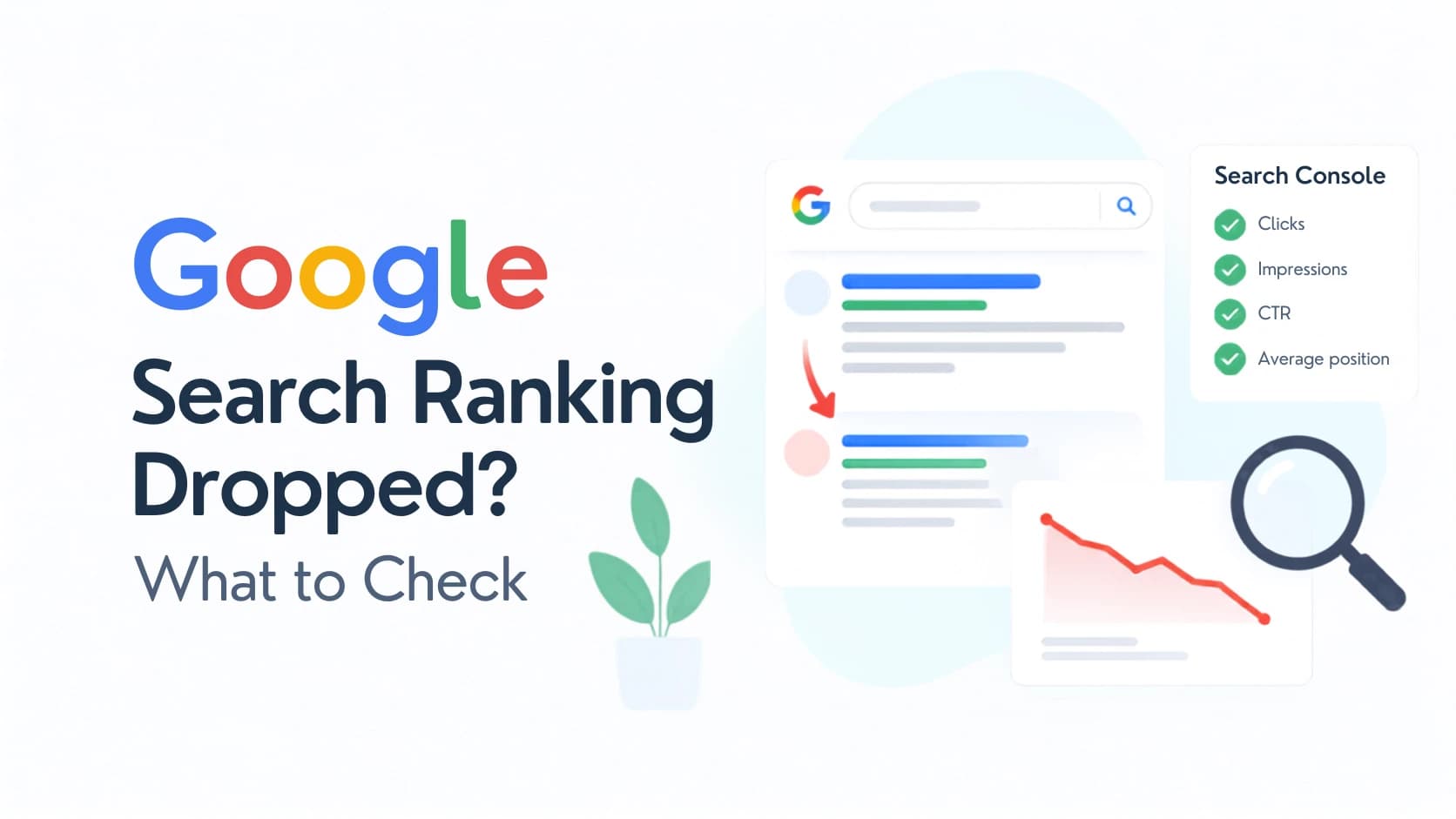
Look at clicks, impressions, average position, and CTR.
The pattern matters.
If impressions and clicks fall while rankings remain relatively stable, the problem may be declining search demand or changing SERP behaviour rather than a pure ranking loss. If impressions remain strong but clicks fall, investigate CTR and the appearance of the search results.
Google recommends using Search Console's Performance report and Google Trends when investigating traffic declines.
Check Google Search Console First
Find Which Pages and Queries Lost Visibility
Don't look only at the site's overall traffic graph.
Open the Performance report and identify the pages with the largest click losses. Then examine the queries associated with those pages.
This gives you a much more useful question:
“Which part of my search visibility changed?”
A sitewide decline suggests a different problem from one category losing traffic or a single high-value page dropping.
Google recommends analysing affected pages and looking for patterns across the site, groups of pages, or individual URLs.
Look for Technical and Indexing Problems
A ranking drop becomes much more serious when important pages are no longer properly accessible to Google.
Check whether your key URLs are still indexed and inspect affected pages individually.
Look for issues such as:
Accidental noindex directives
Robots.txt blocking
Incorrect canonical tags
Server errors
Redirect problems
Broken internal links
Changes to important URLs
Sitemap problems
Rendering or JavaScript issues
Google identifies technical problems as one of the major causes of Search traffic declines because they can prevent pages from being crawled, indexed, or served.
A particularly useful habit is checking what changed immediately before the decline. A new plugin, website redesign, CMS update, developer deployment, redirect change, or hosting configuration can create an SEO problem without anyone intending to change SEO.
Check Recent Website Changes
Your Last Deployment Could Be the Clue
SEO teams often look at Google's algorithm updates first.
But what happened on your own website?
Check your deployment history, CMS changes, plugin updates, redesigns, URL changes, template modifications, and content edits.
Imagine that rankings fall on Monday and your website's navigation was redesigned Sunday night.
That's not proof of causation, but it's a much stronger lead than immediately blaming an algorithm update.
Create a simple incident timeline:
Website change → ranking movement → indexing behaviour → traffic change.
This can make an otherwise confusing SEO problem much easier to investigate.
Investigate Google Algorithm Updates
Sometimes the cause really is a Google update.
Google regularly improves its ranking systems, and those changes can alter how different pages perform. However, a ranking decline after an update does not automatically mean your website violated a rule. Google explains that search results are dynamic and that pages can move because other content becomes more deserving of higher positions.
If your decline appears around an announced update, compare the timing carefully.
Don't analyse the first few hours and immediately rewrite everything. Google recommends waiting until a core update has finished rolling out and then comparing appropriate periods before making major conclusions.
Compare Your Content With Competitors
This is where many SEO audits become too technical.
Your page may be perfectly crawlable and indexed—and still lose rankings because another page better satisfies the searcher.
Search your important keywords manually.
Ask:
What are the pages ranking above me doing better?
Look at the depth of their answers, originality, examples, expertise, freshness, structure, visuals, and usefulness.
Don't simply count words.
A 1,200-word article can lose to a 700-word article if the shorter page answers the user's actual question more effectively.
Google's people-first guidance encourages creators to evaluate whether content provides original information, useful analysis, substantial coverage, and first-hand expertise.
Check Search Intent and SERP Changes
Sometimes your content hasn't become worse.
The search results have changed.
For example, a query that previously rewarded informational articles may now show product pages, videos, forums, local results, or other SERP features.
If the dominant page type has changed, your content may no longer match the intent Google is seeing.
Compare the current SERP with an older version if you have historical data.
Look at:
Search intent
Ranking page types
Featured snippets
AI-generated search features
Videos
Forums
Local results
Shopping results
The question isn't simply “Why did my page fall?”
A better question is:
“What does Google appear to think the searcher wants now?”
Don't Ignore Seasonality
Not every traffic decline is an SEO problem.
Search behaviour changes throughout the year.
Education searches may rise around admissions and exams. Travel searches fluctuate with holidays. Retail searches change around major shopping periods. Even B2B queries can behave differently during weekends, holidays, and financial cycles.
Google recommends comparing affected queries with Google Trends to determine whether demand has declined across the wider search market rather than only on your website.
This distinction can save you from making unnecessary changes to perfectly good content.
Check for Manual Actions and Security Issues
If the decline is severe, open the Manual Actions and Security Issues reports in Google Search Console.
A manual action means Google has identified a violation of its spam policies through human review and can result in some or all of a site being ranked lower or omitted.
Security problems are different. Hacking, phishing, malware, or other harmful behaviour can trigger warnings and affect how pages appear in Search.
If either report shows an issue, follow Google's specific remediation process rather than treating it like an ordinary ranking fluctuation.
What to Do After Finding the Cause
Once you've identified the likely cause, make targeted changes.
If the issue is technical, fix the technical problem. If content quality or search intent is the problem, improve the affected pages.
If competitors have genuinely produced better resources, study what changed and build something more useful. If the decline is seasonal, don't destroy your content trying to solve a demand problem.
Most importantly, document what you changed and when. Otherwise, you may make five changes at once and have no idea which one actually helped.
Expert Tips
Create a ranking-drop timeline: Record the exact date, affected pages, queries, deployments, and Google updates.
Use page-level evidence: Sitewide averages can hide the pages actually responsible for the decline.
Check before editing: Confirm indexing, canonical, robots, server status, and Search Console data before rewriting content.
Compare winners: Analyse pages that replaced yours instead of studying your page in isolation.
Common Mistakes
Blaming every drop on an algorithm update: Technical problems and demand changes can look similar in analytics.
Rewriting everything immediately: Large-scale changes can destroy pages that were already performing reasonably well.
Checking only average position: Page- and query-level patterns provide much better diagnostic information.
Ignoring recent deployments: A small code or configuration change can have a major SEO effect.
Frequently Asked Questions
Why did my Google ranking suddenly drop?
A sudden ranking drop can result from technical problems, indexing changes, algorithm updates, changing search intent, competitor improvements, seasonality, security issues, spam-related actions, or reporting anomalies. The cause should be identified using Search Console and other evidence before making major changes.
How do I check why my Google rankings dropped?
Start with Google Search Console. Compare clicks, impressions, CTR, and average position, then identify the pages and queries that lost the most visibility. After that, check indexing, technical changes, Google updates, competitors, and search demand.
Can a Google algorithm update cause a sudden ranking drop?
Yes. Google's ranking systems are continuously updated, and core or other ranking updates can change how pages perform. However, a decline around an update does not automatically mean your website has a penalty.
Should I rewrite my content after a ranking drop?
Not immediately. First determine whether the problem is actually content-related. If a page has a large, sustained ranking decline, assess whether it remains helpful, reliable, original, and aligned with current search intent before deciding what to change.
How long does it take to recover from a Google ranking drop?
There is no fixed recovery period. Technical fixes can sometimes take effect after Google recrawls the affected pages, while broader content improvements can take considerably longer. Google notes that some changes may take days and that broader site-level improvements can take months to be reflected.
Conclusion
A sudden Google ranking drop is stressful, but panic is rarely a good SEO strategy.
Before changing titles, rewriting articles, removing pages, or blaming an algorithm update, find out what actually changed.
Start with Search Console. Identify the affected pages and queries. Check indexing and technical signals. Review recent deployments. Investigate Google updates. Compare competitors. Then look at search intent and demand.
The biggest lesson is simple: diagnose first, fix second.
A ranking drop is a signal—not a diagnosis. Once you understand the signal, you can make a targeted decision instead of turning one SEO problem into five new ones.
Written by
Alaffiya Madarwala
Last updated
16 October 2026
