How to Fix npm ERR! Installation Errors: Complete Guide
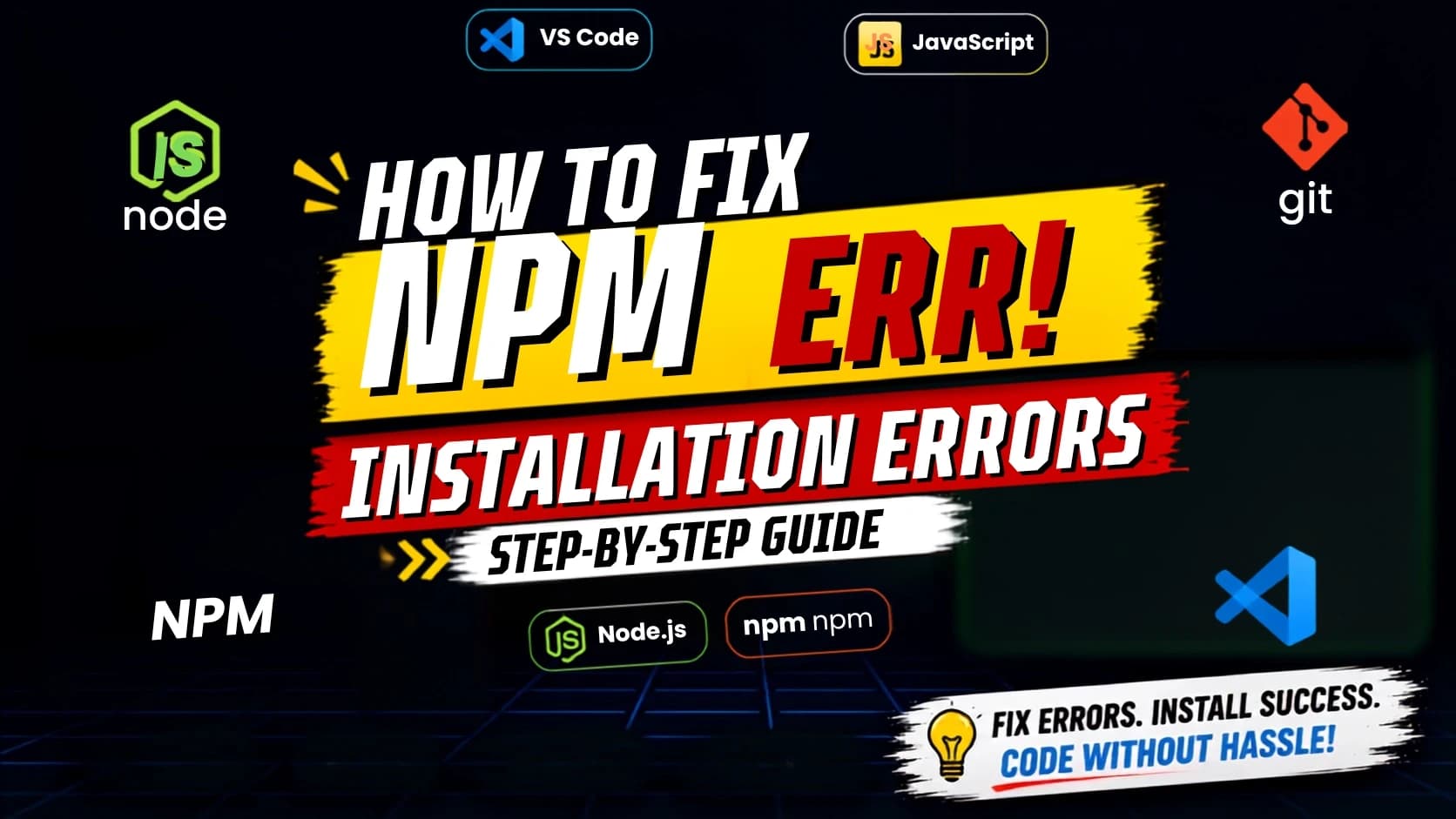
If you've started learning JavaScript, React, Node.js, or any modern web development framework, you've probably encountered an npm ERR! message while installing packages. These errors can be frustrating, especially for beginners, but they're usually easy to resolve once you understand the cause.
This guide explains the most common npm installation errors, why they happen, and the best ways to fix them.
What is npm?
npm (Node Package Manager) is the default package manager for Node.js. It helps developers install, update, and manage libraries and dependencies used in JavaScript projects.
Whenever you run commands like:
npm installor
npm install reactnpm downloads the required packages and adds them to your project.
Common npm ERR! Errors
Some of the most common errors include:
npm ERR! code ERESOLVE
npm ERR! code ENOENT
npm ERR! code EACCES
npm ERR! Cannot find module
npm ERR! Unexpected token
npm ERR! Missing package.json
Fix 1: Delete node_modules
Corrupted dependencies often cause installation problems.
Delete:
node_modules
package-lock.json
Then run:
npm installFix 2: Clear npm Cache
npm cache clean --forceThen:
npm installFix 3: Update Node.js and npm
Check versions:
node -v
npm -v
Older versions frequently cause compatibility issues.
Fix 4: Resolve Dependency Conflicts
If you see:
ERESOLVE unable to resolve dependency treeTry:
npm install --legacy-peer-depsor
npm install --forceUse these options carefully and review dependency compatibility.
Fix 5: Check package.json
A missing or invalid package.json file can prevent npm from installing packages.
Create one with:
npm initor
npm init -yBest Practices
Keep Node.js updated.
Use the latest stable npm version.
Avoid mixing Yarn and npm in the same project.
Commit package-lock.json to version control.
Install only trusted packages.
FAQs
Why does npm show ERESOLVE?
It means two or more packages require incompatible dependency versions.
Should I delete node_modules?
Yes, it's one of the safest first troubleshooting steps.
Is npm better than Yarn?
Both are excellent package managers. npm is bundled with Node.js and is sufficient for most projects.
Conclusion
Most npm installation errors are caused by dependency conflicts, outdated packages, corrupted caches, or configuration issues. By following the steps in this guide, you can quickly identify the problem and get your project running again.
Written by
Praxiaskill
Last updated
4 August 2026