
How to Use AI Agents Without Giving Up Your Privacy
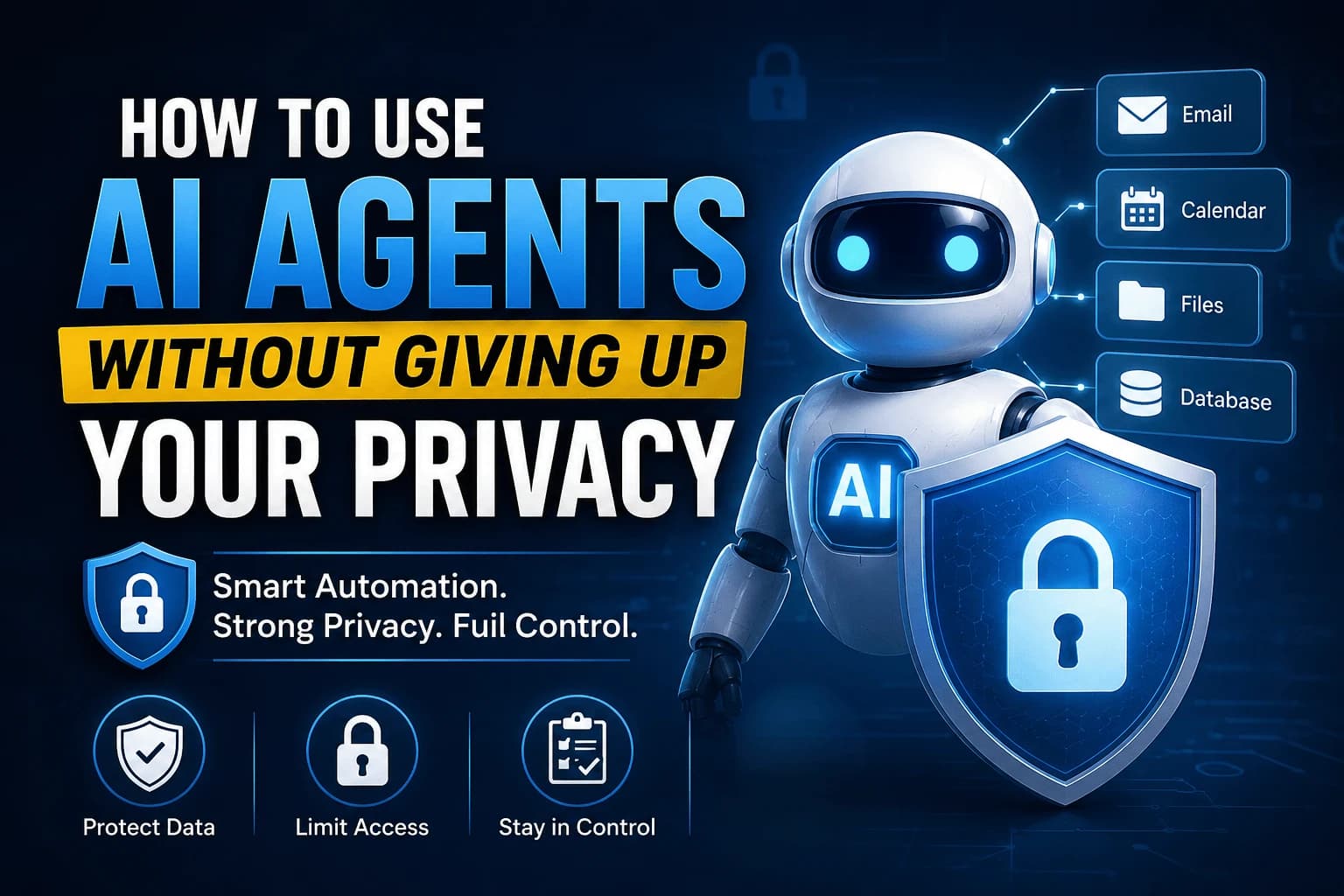
How to Use AI Agents Without Giving Up Your Privacy
Have you ever pasted confidential customer data, financial information, or proprietary code into an AI assistant—only to realize seconds later that you may have exposed sensitive information to a cloud service?
As AI evolves from simple chatbots into autonomous AI agents that can read emails, manage calendars, access files, browse the web, and execute database tasks, AI privacy and data security have become more important than ever.
Knowing how to use AI agents without giving up your privacy is now an essential skill for businesses, developers, marketers, and digital creators. The goal isn't to stop using AI. It's to use AI automation while keeping control of your data.
The Privacy Risks of AI Agents
Traditional AI chatbots generally respond to information you provide in a conversation. AI agents can go much further. Depending on their configuration, they may access connected applications, files, databases, APIs, and other business systems.
This makes AI agent security especially important.
1. Continuous Context and Memory
Some AI agents maintain information about workflows, preferences, previous interactions, and tasks. If sensitive information is stored unnecessarily, it can increase your privacy risk.
Only allow an agent to retain information that is genuinely required for its job.
2. Excessive Tool Access
An AI agent connected to your email, cloud storage, CRM, or database may be able to perform actions on your behalf.
If permissions are too broad, a compromised account, malicious instruction, or prompt injection attack could potentially cause unauthorized access or actions.
3. Third-Party Data Exposure
When you use a cloud-based AI agent, your information may pass through multiple systems and services. Before entering confidential information, understand how the provider handles, stores, and processes your data.
How to Protect Your Privacy When Using AI Agents
You don't need to abandon AI automation to protect sensitive information. Instead, follow a privacy-first AI strategy.
Use Privacy and Data-Protection Controls
Check whether your AI provider offers business privacy controls, data-retention options, or Zero Data Retention (ZDR) arrangements.
Don't assume your data is private by default. Review the provider's current privacy and data-handling policies before using sensitive business information.
Use Least-Privilege API Access
Never give an AI agent unrestricted administrator access when a limited permission will work.
For example:
Use read-only API keys whenever possible.
Create separate service accounts for different workflows.
Restrict access to specific databases or folders.
Avoid sharing master credentials.
Rotate and revoke unused API keys regularly.
This least-privilege security approach limits the damage if an account or agent is compromised.
Avoid Sending Sensitive Information
Before giving information to an AI agent, ask:
Does the agent actually need this data?
Remove unnecessary:
Customer names and contact details
Passwords and authentication tokens
Financial information
Personal identification data
Confidential business documents
Proprietary source code
Data minimization is one of the simplest ways to improve AI data privacy.
Local AI vs. Cloud AI
For highly sensitive workflows, local AI models can provide an additional layer of privacy because processing can take place on your own computer or infrastructure.
Tools such as Ollama and LM Studio can be used to run certain AI models locally.
However, local AI also comes with trade-offs, including hardware requirements, model limitations, maintenance, and potentially lower performance.
For many businesses, a hybrid AI approach makes more sense.
Use local or controlled environments for highly confidential information, while using cloud-based AI for lower-risk activities such as content research, brainstorming, or public-facing content creation.
Best Practices for AI Agent Security
Follow these practical AI security best practices:
Audit credentials regularly: Review API keys, tokens, and connected accounts.
Use sandbox environments: Test new AI workflows with dummy data before connecting them to production systems.
Review permissions: Check exactly what every connected application can access.
Monitor activity logs: Look for unusual file access, API requests, or automated actions.
Require human approval: Keep sensitive financial, administrative, or destructive actions behind human confirmation.
Update your security settings: Privacy controls and AI features can change over time.
Common AI Privacy Mistakes
Avoid these common mistakes when using autonomous AI agents:
Trusting default settings: Never assume the default privacy configuration is appropriate for confidential information.
Hardcoding credentials: Don't place passwords, API keys, or secret tokens inside prompts, scripts, or configuration files.
Giving unlimited permissions: An AI agent should have access only to the systems and information it actually needs.
Ignoring audit logs: Reviewing agent activity can help identify unexpected access or suspicious behavior.
Connecting unnecessary apps: Every additional integration creates another potential privacy and security consideration.
What Is Prompt Injection?
Prompt injection is a technique where malicious or misleading instructions are designed to influence an AI system's behavior.
The risk becomes more significant with AI agents because agents may have access to external tools and the ability to take actions.
For example, an agent reading a webpage or email could encounter hidden instructions attempting to manipulate its behavior. That's why tool permissions, input validation, sandboxing, and human approval are important parts of secure AI automation.
Frequently Asked Questions
Can AI agents access my private information?
They can access information made available through the accounts, files, applications, and permissions you connect to them. Their exact capabilities depend on the specific AI service and configuration.
How can I protect my data when using AI agents?
Share only necessary information, minimize permissions, use read-only access where possible, review connected applications, and require approval for sensitive actions.
Should I give an AI agent access to my email?
Only when the task genuinely requires it. Before connecting email, review what the integration can read, modify, send, or delete.
Are AI agents completely private?
No. No technology should be treated as completely private. Review the provider's privacy practices, data-retention policies, security controls, and integration permissions before using sensitive information.
Conclusion
Learning how to use AI agents without giving up your privacy isn't about avoiding artificial intelligence. It's about using it responsibly.
Give AI agents fewer permissions. Share less sensitive information. Use strong access controls. Monitor connected tools. Test workflows in isolated environments. Keep high-impact actions behind human approval.
As autonomous AI becomes more powerful, AI privacy and security should be part of the setup process—not an afterthought.
The smartest AI user isn't the person who gives an agent unlimited access.
It's the person who gives it exactly enough.
Written by
Praxiaskill
Last updated
22 August 2026
