
Markdown Workflows to Boost Developer Productivity
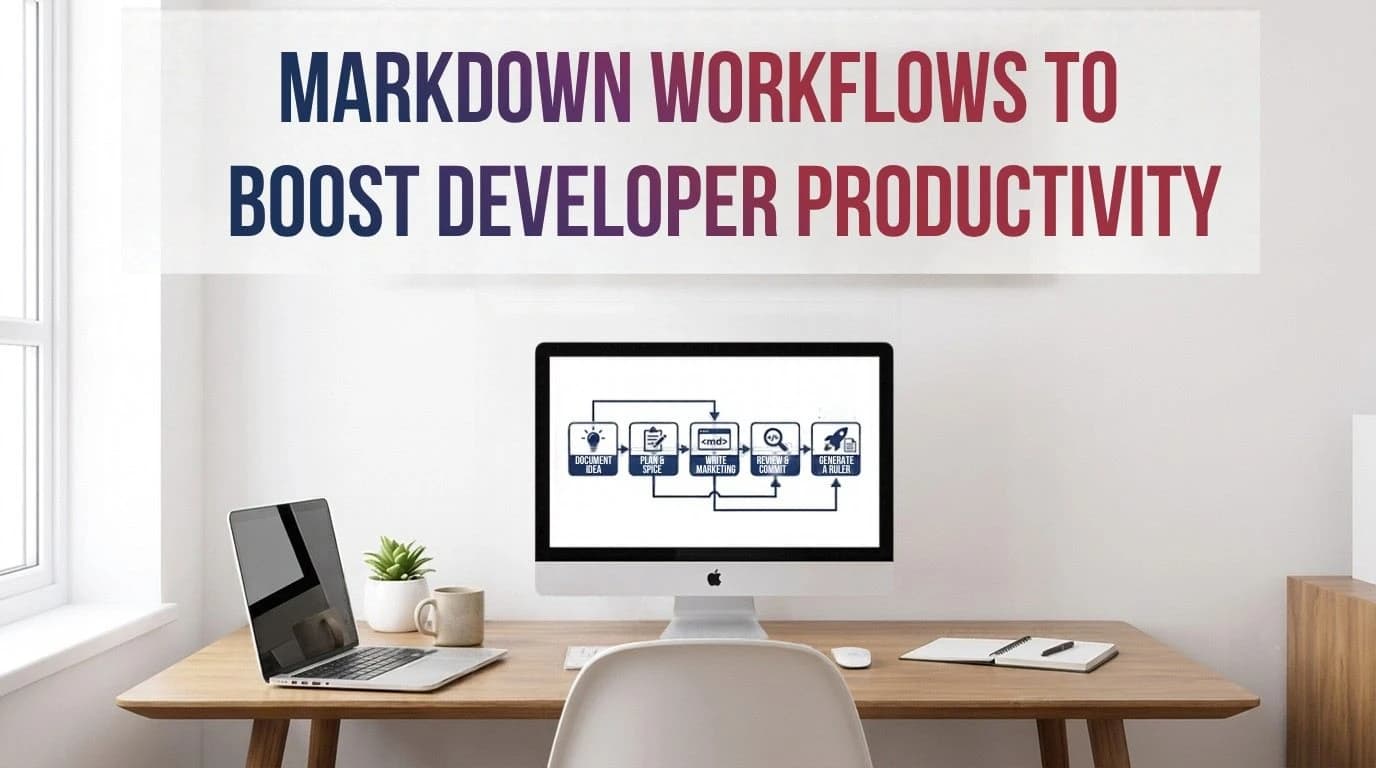
Developers often maintain the same information in README files, project documentation, shared documents, and internal knowledge bases. When these sources drift apart, teams waste time searching for the correct instructions. A consistent Markdown workflow can make technical documentation easier to write, review, reuse, and maintain.
Markdown is a lightweight markup language that uses plain-text characters to represent headings, lists, links, code blocks, and other common document elements.
For example, a developer can write a heading using a hash symbol, format a command as inline code, or create a checklist without needing a complex word processor.
Its simplicity makes Markdown useful for README files, API documentation, tutorials, release notes, issue templates, and technical specifications.
Unlike a document tied to a proprietary file format, a Markdown file can be opened in a text editor and stored alongside application code. This makes it particularly useful for teams that maintain documentation as part of the software development lifecycle.
Documentation is most valuable when it remains accurate and accessible.
A project may have excellent code but still be difficult to maintain if installation instructions are outdated, environment variables are undocumented, or API behavior is unclear.
Poor documentation also affects onboarding. New developers need reliable explanations of the project architecture, development commands, testing procedures, and deployment requirements.
A consistent Markdown workflow helps address these problems by giving teams a predictable way to organize and update technical knowledge.
Google's developer news feed reported on 26 October 2026 that Google Docs and Drive were introducing native support for Markdown files, including rendered previews, line-level commenting, and version history. This development reflects growing interest in connecting plain-text documentation with collaborative editing workflows.
Google Developers Blog
For teams, the key consideration is not simply which editor supports Markdown. It is how documentation moves between writing, code review, collaboration, publication, and long-term maintenance.
Feature availability and exact behavior may depend on the product version and account.
1. Keep project documentation near the code
Store core project instructions in the repository where practical.
A useful structure might include:
README.md for project purpose and setup.
CONTRIBUTING.md for contribution rules.
docs/architecture.md for design decisions.
docs/api.md for API behavior.
CHANGELOG.md for notable releases.
Not every project needs every file. The goal is to make important information easy to locate without creating unnecessary documentation.
2. Use version control for meaningful changes
When Markdown files are stored in Git, documentation changes can be reviewed alongside code changes.
For example, if a developer changes an API endpoint, the same pull request can update the API guide and sample requests. Reviewers can identify inconsistencies before the change reaches production.
Use descriptive commit messages and keep changes focused. Large documentation rewrites are harder to review than small, well-scoped updates.
3. Establish consistent formatting rules
Teams should agree on heading hierarchy, code-block language labels, link conventions, naming standards, and file locations.
A simple documentation standard reduces inconsistency across contributors.
For projects with extensive documentation, use a Markdown linter and automated link checking. Tools such as markdownlint can detect formatting issues, while a documentation site generator can turn Markdown files into navigable websites.
4. Connect documentation with team collaboration
Not every document belongs in a code repository. Product plans, meeting notes, training materials, and cross-functional specifications may be easier to manage in collaborative document platforms.
A sensible workflow assigns each document a clear source of truth. Repository documentation should explain the software as it exists; collaborative documents can support planning and discussion.
When using Google Docs or Drive for Markdown-based work, teams should test import, editing, export, and version-history behavior before depending on the workflow for critical documentation.
5. Make documentation testable
Documentation should not merely describe a process; it should help someone complete it successfully.
For setup instructions, test the listed commands in a clean environment. For API documentation, verify example requests and responses. For tutorials, check that the required versions and dependencies are still supported.
Where possible, automate code examples and documentation checks in CI.
A guide that contains a broken installation command can create more work than having no guide at all.
AI tools can generate README files, summarize code, draft API documentation, and explain unfamiliar repositories. Markdown is convenient for these workflows because its structure is readable by both humans and many software tools.
However, generated documentation can introduce inaccuracies. An AI assistant may describe a planned feature as implemented, invent configuration options, or overlook environment-specific requirements.
Developers should verify generated content against the source code, actual configuration, test results, and official product documentation.
Markdown also makes it easier to separate content from presentation. The same source file can be adapted for a repository, an internal knowledge base, or a documentation website, although rendering and feature support may vary between platforms.
Define a source of truth: Decide which system owns each type of documentation.
Review docs with code: Update instructions when implementation details change.
Automate quality checks: Catch broken links, inconsistent formatting, and invalid examples.
Use templates carefully: Standardize essential information without forcing unnecessary sections into every file.
Test onboarding instructions: Ask a new contributor to follow the setup guide from scratch.
Writing documentation only at release time: Important changes may go undocumented.
Duplicating information: Multiple conflicting copies create maintenance problems.
Using vague headings: Readers should be able to find specific instructions quickly.
Trusting generated documentation without verification: AI-generated details may not match the implementation.
Ignoring accessibility: Use meaningful link text, logical headings, and descriptive labels.
1. What is Markdown used for in software development?
Markdown is used for README files, technical documentation, API guides, tutorials, release notes, project instructions, and other text-based documents.
2. Is Markdown better than Google Docs for technical documentation?
Neither is universally better. Markdown works well with code repositories and version control, while collaborative document editors can be more convenient for discussions, planning, and nontechnical contributors.
3. Can Markdown files be stored in GitHub repositories?
Yes. Markdown files can be committed, reviewed, versioned, and maintained alongside application code in a Git repository.
4. Can AI tools generate Markdown documentation?
Yes. AI tools can draft documentation and summarize code, but developers should verify commands, configuration details, API examples, and feature descriptions before publication.
5. How can developers maintain high-quality Markdown files?
Use consistent formatting, meaningful headings, automated linting, link checks, version control, and regular reviews to keep documentation accurate and readable.
Markdown is more than a convenient formatting language. It can form the foundation of a maintainable documentation process that connects software development, collaboration, version control, and AI-assisted work.
The strongest workflow combines readable source files, clear ownership, automated checks, and regular reviews. Developers who treat documentation as part of engineering—not as an afterthought—make projects easier to understand, maintain, and scale.
Written by
Alaffiya Madarwala
Last updated
29 October 2026
