
Zero Trust Security: Why Every Business Needs It
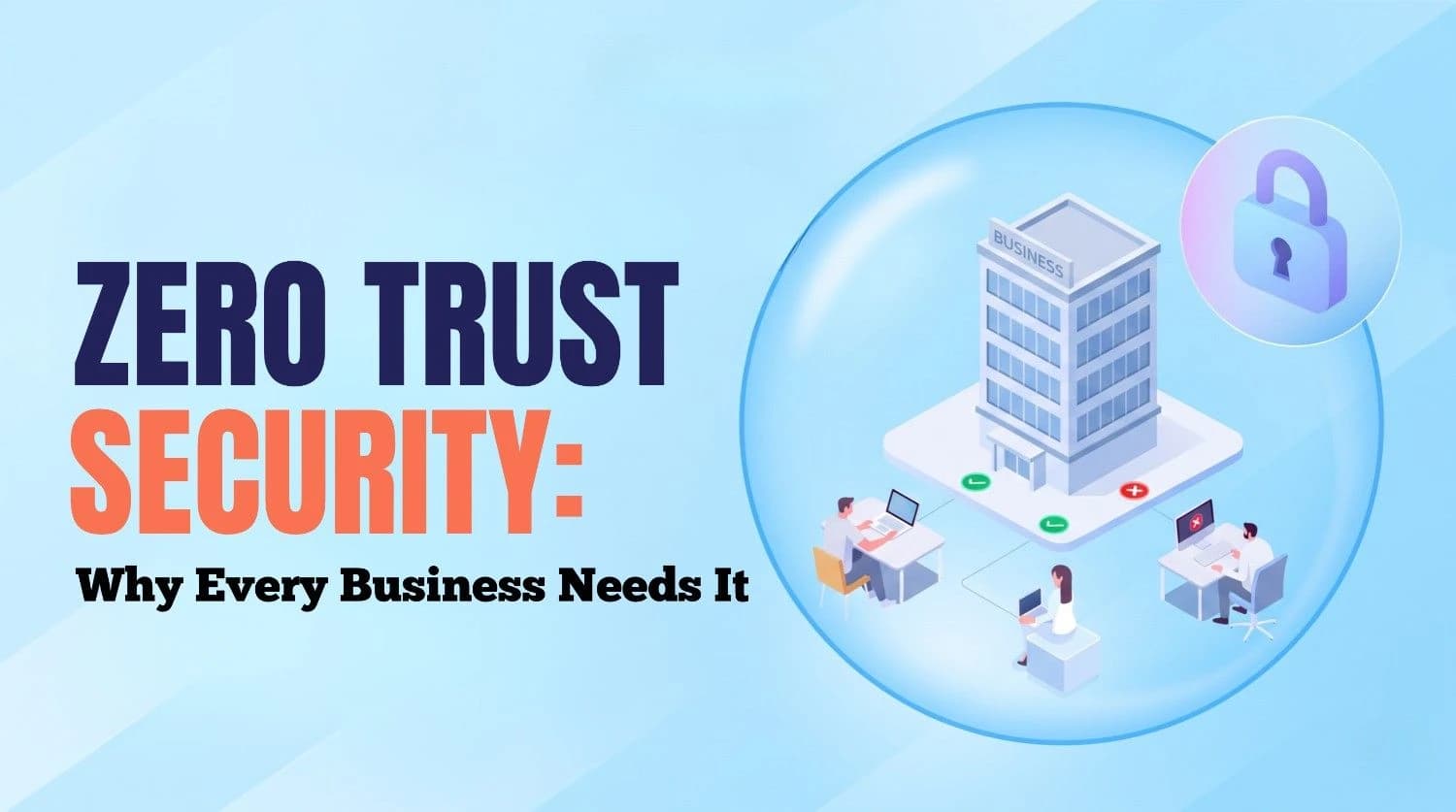
A strong company password and a traditional firewall are no longer enough to protect modern business infrastructure. Employees access applications from home, customers use cloud-based platforms, and business data moves between devices, networks and third-party services. This expanding digital environment creates more opportunities for cybercriminals to exploit stolen credentials, compromised devices and poorly configured access permissions.
This is where Zero Trust Security becomes essential.
Built around the principle of never trust, always verify, Zero Trust changes how organizations manage access to applications, networks and sensitive information. It assumes that no user or device should receive automatic trust simply because it is connected to a company network.
For businesses handling customer information, financial records or intellectual property, adopting this approach can significantly strengthen their cybersecurity strategy.
Zero Trust Security is a cybersecurity framework that verifies every access request before allowing users or devices to interact with business resources.
Traditional network security often follows a perimeter-based model. Once an employee connects to the corporate network, the system may provide access to multiple internal resources. This approach creates risks when an attacker compromises an employee account or gains access through an infected device.
Zero Trust removes this automatic assumption of trust.
According to the National Institute of Standards and Technology (NIST), Zero Trust Architecture focuses on protecting individual resources rather than relying on network location as the primary security boundary. Authentication and authorization are evaluated before access is granted.
For example, an employee accessing a financial application may need to verify their identity, use an approved device and meet additional security conditions. Even after initial authentication, access can be reassessed if the risk level changes.
The traditional security perimeter was designed for environments where employees, applications and data were mostly located inside company-controlled networks.
Modern businesses operate differently. Remote work, cloud computing, mobile devices and third-party platforms have expanded the number of systems that need protection.
Three major weaknesses make traditional security insufficient:
1. Stolen Credentials Can Provide Access
Cybercriminals frequently target employee credentials through phishing, password reuse and social engineering. If an attacker obtains valid login details, a system that relies heavily on perimeter-based trust may struggle to distinguish the attacker from a legitimate employee.
2. Compromised Devices Can Spread Threats
An infected laptop or smartphone connected to a corporate network can become an entry point for further attacks. Without proper access restrictions, attackers may attempt to move between internal systems.
3. Cloud Environments Expand the Attack Surface
Businesses increasingly use SaaS applications, cloud databases and distributed infrastructure. A single network boundary cannot effectively protect every resource across these environments.
Zero Trust addresses these challenges by evaluating access at the resource level rather than assuming that internal connections are safe.
A successful Zero Trust strategy combines several security controls rather than depending on one product.
1. Verify Every User and Device
Every access request should be evaluated using relevant identity and device information. Multi-factor authentication (MFA), identity management and device compliance checks help establish whether a request meets company security requirements.
For example, an employee accessing company data from a managed laptop may receive access, while an unfamiliar device with outdated security software may be blocked or required to complete additional verification.
2. Apply Least-Privilege Access
Users should receive only the permissions necessary to perform their responsibilities.
A marketing employee does not need unrestricted access to payroll records, and a temporary contractor should not automatically receive administrator privileges.
Role-based access control and regular permission reviews help reduce unnecessary access.
3. Assume a Security Breach Is Possible
Zero Trust operates on the assumption that attackers may already have entered part of the environment.
Businesses should therefore limit how far an intruder can move after compromising an account or device. Network segmentation, application-level access controls and restricted administrative permissions help contain potential damage.
4. Monitor Activity Continuously
Authentication should not be treated as a one-time security checkpoint. Organizations need visibility into login attempts, device health, application activity and unusual behaviour.
If an account suddenly accesses sensitive information from an unfamiliar location or behaves differently from its normal pattern, security systems can trigger additional verification or restrict access.
These principles align with the broader Zero Trust approach described by NIST and Microsoft's security guidance.
Zero Trust is not limited to large enterprises. Small and medium-sized businesses also manage customer records, employee information, payment systems and cloud applications that require protection.
Reduces the Risk of Unauthorized Access
MFA, identity verification and conditional access policies make it harder for attackers to use stolen credentials. Even if a password is compromised, additional security checks can prevent unauthorized access.
Limits the Impact of Cyberattacks
Least-privilege permissions and network segmentation reduce the number of resources an attacker can reach after gaining access to one system. This helps contain ransomware incidents and other forms of unauthorized activity.
Strengthens Remote and Hybrid Work Security
Employees no longer need to depend on a trusted office network to access business applications. Zero Trust evaluates the user, device and access request, making it suitable for distributed teams.
Protects Cloud Applications and Business Data
As organizations adopt cloud services, controlling access to individual applications and datasets becomes increasingly important. Zero Trust supports consistent access policies across on-premises infrastructure and cloud environments.
Improves Security Visibility and Accountability
Centralized identity management, monitoring and access logs help security teams understand who accessed a resource, when access occurred and whether the activity followed company policy.
CISA's Zero Trust Maturity Model organizes these improvements around five key areas: identity, devices, networks, applications and workloads, and data. It also emphasizes visibility, automation and governance across these areas.
Businesses do not need to replace their entire infrastructure immediately. A phased implementation can make adoption more manageable.
Step 1: Identify critical assets. Create an inventory of sensitive data, business applications, devices, user accounts and infrastructure. Prioritize resources that would cause significant damage if compromised.
Step 2: Strengthen identity security. Enable MFA, remove unused accounts, review administrator permissions and introduce centralized identity management.
Step 3: Assess device security. Require devices to meet minimum security standards, including supported operating systems, encryption and endpoint protection.
Step 4: Introduce least-privilege access. Review existing permissions and restrict users to the resources required for their roles.
Step 5: Segment networks and applications. Separate critical systems and restrict unnecessary communication between different environments.
Step 6: Monitor and improve continuously. Collect security logs, investigate unusual activity, review access policies and regularly test security controls.
NIST SP 800-207 provides an architectural foundation, while the CISA Zero Trust Maturity Model offers a useful way to assess progress and prioritize improvements.
Start with administrator accounts and business-critical applications.
Use phishing-resistant MFA where practical.
Automate access reviews when employee roles change.
Monitor service accounts and machine identities, not just employee accounts.
Measure progress through reduced excessive permissions, improved device compliance and faster incident detection.
Treating Zero Trust as a single software purchase instead of an organization-wide security strategy.
Applying strict access controls without planning for legitimate business workflows.
Ignoring cloud applications, contractors and third-party integrations.
Assuming MFA alone provides complete Zero Trust protection.
Failing to review permissions and monitor access after deployment.
1. What is Zero Trust Security in simple terms?
Zero Trust Security means never automatically trusting a user or device. Every access request must be verified using identity, device status and other relevant security information.
2. Why is Zero Trust important for businesses?
It helps prevent unauthorized access, reduces the impact of compromised accounts, protects cloud resources and improves security across remote and office-based environments.
3. What are the main principles of Zero Trust?
The main principles include continuous verification, least-privilege access, strong identity and device checks, network segmentation and continuous security monitoring.
4. Can small businesses implement Zero Trust Security?
Yes. Small businesses can begin with MFA, secure device management, restricted user permissions and regular access reviews before introducing more advanced security controls.
5. Is Zero Trust better than traditional network security?
Zero Trust provides a more resource-focused approach for modern cloud and remote-work environments. It complements traditional security controls rather than making firewalls and other perimeter protections unnecessary.
Zero Trust Security is becoming a practical requirement for businesses operating across cloud platforms, remote networks and connected devices. Traditional perimeter-based protection cannot provide sufficient control when users and applications access company resources from multiple locations.
By combining identity verification, least-privilege permissions, device security and continuous monitoring, organizations can reduce unauthorized access and limit the damage caused by compromised accounts.
The most effective approach is gradual: identify critical assets, strengthen access controls, monitor activity and expand protection across the business. Zero Trust is not a one-time installation but an ongoing security strategy that evolves alongside an organization's infrastructure and threats.
Written by
Alaffiya Madarwala
Last updated
19 November 2026
