
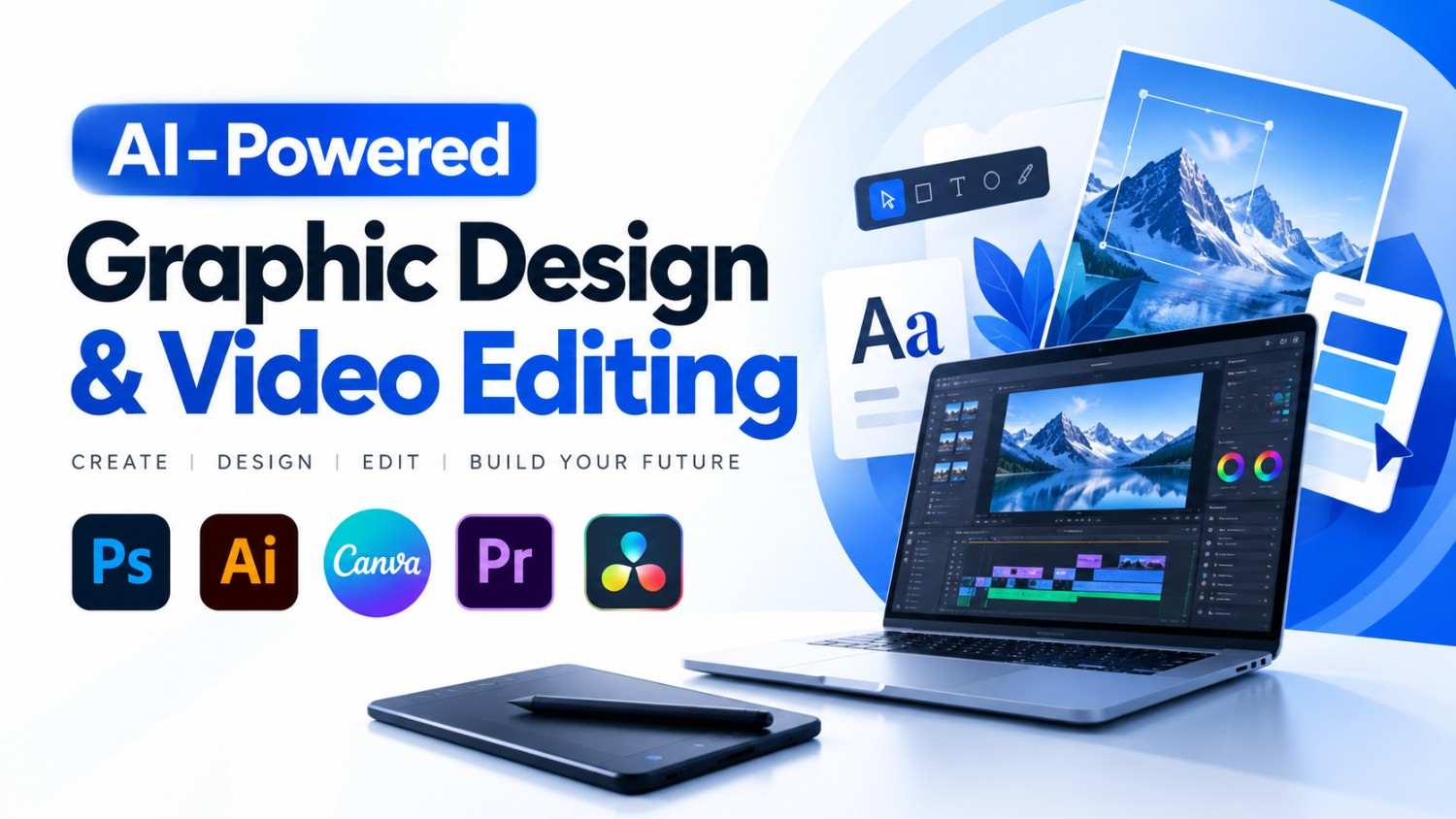
AI-Powered Graphic Design & Video Editing
Master Graphic Design, Video Editing, Motion Graphics & AI Tools with Practical Projects
₹55,000
₹110,000
50% Off
Course Highlights
Duration
9 Months
Level
Basic to Advance
Mode
Hybrid
Method
Project Based Learning
Program Highlights
105+ Live
Mentorship Sessions
5+ Tools
Learn and Explore
Master 5+ Tools
Canva Magic Design

Adobe Photoshop

Filmora

Adobe Premiere Pro CC

Adobe After Effect

ChatGPT

Gemini

Google Flow

Eleven Labs
Course Curriculum
- Introduction to Graphic Design & Creative Workflow
- Design Principles: Balance, Contrast, Alignment & Hierarchy
- Colour Theory & Professional Colour Combinations
- Typography: Fonts, Pairing & Visual Hierarchy
- Composition, Grids & Visual Layout
- Understanding Images, Resolution, Formats & File Types
- Design Thinking & Creative Briefs
- Creating a Professional Design from Concept to Final Output
Assignments
- Create a Moodboard for a New Brand
- Create 3 Design Layouts Using Different Typography and Colour Combinations
Projects
- Create a Complete Social Media Brand Starter Kit
- Design a Professional Promotional Poster
- Canva Interface, Workspace & Essential Tools
- Templates, Elements, Layers & Professional Layouts
- Social Media Post & Instagram Content Design
- YouTube Thumbnail & Digital Content Design
- Branding with Canva: Logo, Colours & Brand Identity
- Posters, Flyers, Banners & Marketing Creatives
- Canva AI & AI-Powered Design Features
- Professional Canva Workflow: From Brief to Final Design
Assignments
- Create a 5-Post Instagram Content Set for a Brand
- Design a YouTube Thumbnail and Promotional Poster for the Same Brand
Projects
- Complete Social Media Brand Kit in Canva
- Complete Digital Marketing Creative Campaign
- Photoshop Interface, Workspace & Essential Tools
- Layers, Groups, Masks & Non-Destructive Editing
- Selections, Cutouts & Background Removal
- Image Retouching, Skin Correction & Photo Enhancement
- Colour Correction, Adjustment Layers & Professional Tone
- Typography, Text Effects & Creative Compositions
- Photo Manipulation & Creative Image Compositing
- Poster, Banner & Advertisement Design in Photoshop
- Professional Social Media & YouTube Thumbnail Design
- Photoshop AI Tools & Generative Creative Workflow
Assignments
- Professional Photo Retouching and Colour Correction
- Create a Promotional Advertisement Using Advanced Photoshop Techniques
Projects
- Professional YouTube Thumbnail Collection
- Creative Product Advertisement Campaign
- Illustrator Interface, Artboards & Essential Tools
- Shapes, Pen Tool & Vector Drawing Fundamentals
- Pathfinder, Shape Builder & Advanced Vector Techniques
- Typography, Type Tools & Creative Text Effects
- Colour, Gradients, Swatches & Professional Colour Systems
- Logo Design Principles & Professional Logo Creation
- Icons, Illustrations & Custom Vector Graphics
- Brand Identity Design & Visual Branding Systems
- Packaging, Business Cards & Print-Ready Design
- Illustrator AI Features & Modern Vector Design Workflow
Assignments
- Create a Professional Logo for a New Brand
- Create a Set of Custom Icons and Vector Illustrations
Projects
- Complete Brand Identity Design Project
- Professional Vector Illustration & Packaging Design
- Understanding Branding, Brand Strategy & Visual Identity
- Creating a Brand Moodboard & Creative Direction
- Logo Systems, Brand Colours & Typography
- Designing Consistent Instagram & Facebook Content
- Social Media Campaign Design & Content Planning
- Carousel Posts, Stories & Promotional Creatives
- YouTube Thumbnails, Channel Branding & Video Graphics
- Advertisement Creatives for Digital Marketing Campaigns
- Building a Consistent Brand Design System
- AI-Powered Social Media Content Creation Workflow
Assignments
- Create a Complete 7-Day Social Media Content Plan and Design Set
- Design a Multi-Platform Promotional Campaign for a Brand
Projects
- Complete Social Media Branding Project
- Digital Advertising Creative Campaign
- Introduction to Video Editing & Professional Workflow
- Video Formats, Resolution, Frame Rate & Aspect Ratio
- Understanding the Editing Interface, Timeline & Essential Tools
- Importing, Organizing & Managing Video, Audio and Media Files
- Cutting, Trimming, Splitting & Arranging Video Clips
- Transitions, Pacing & Creating Smooth Visual Flow
- Working with Voiceovers, Music & Sound Effects
- Titles, Subtitles, Captions & Text Animation
- Colour Correction & Basic Colour Grading
- Export Settings for YouTube, Instagram & Digital Platforms
Assignments
- Edit a 30-Second Social Media Video
- Create a Short Promotional Video Using Video, Music, Text and Transitions
Projects
- Professional Instagram Reel Editing Project
- Complete Promotional Video Project
- Advanced Timeline Editing & Professional Workflow
- Video Storytelling, Shot Selection & Editing for Impact
- Advanced Transitions, Effects & Seamless Editing
- Speed Ramping, Time Remapping & Creative Pacing
- Professional Audio Editing, Sound Design & Voiceover
- Advanced Colour Correction & Cinematic Colour Grading
- Green Screen, Masking & Video Compositing
- Reels, Shorts & Short-Form Content Editing
- YouTube Video Editing & Long-Form Content Workflow
- Professional Video Editing Workflow & Client Delivery
Assignments
- Edit a Cinematic 60-Second Story Video
- Create a High-Engagement Short-Form Video with Advanced Editing Techniques
Projects
- Professional Social Media Video Campaign
- Complete YouTube Video Production Project
- Introduction to Motion Graphics & Animation Principles
- Keyframes, Timing, Speed & Animation Curves
- Text Animation & Kinetic Typography
- Shape Animation & Motion Design Techniques
- Logo Animation & Brand Motion Graphics
- Visual Effects, Masks & Compositing
- Green Screen, Tracking & Object-Based Animation
- Lower Thirds, Titles & Professional Video Graphics
- Creating Engaging Motion Graphics for Reels & Advertisements
- Professional Motion Graphics Workflow & Rendering
Assignments
- Create an Animated Logo Reveal
- Create a 15-Second Kinetic Typography Advertisement
Projects
- Complete Brand Motion Graphics Package
- Professional Motion Graphics Advertisement
- Introduction to Generative AI for Designers & Video Creators
- Prompt Engineering for Images, Designs & Creative Content
- AI Image Generation & Creative Concept Development
- AI-Assisted Graphic Design & Content Creation
- AI Tools for Image Editing, Enhancement & Background Creation
- AI-Powered Video Generation & Video Editing Workflows
- AI Voiceovers, Subtitles, Captions & Audio Enhancement
- AI-Assisted Reels, Advertisements & Short-Form Content
- Combining AI with Canva, Photoshop & Video Editing
- Building a Complete AI Creative Production Workflow
Assignments
- Create an AI-Assisted Social Media Campaign
- Create a Short AI-Powered Promotional Video
Projects
- AI-Powered Brand Content Campaign
- AI-Powered Advertisement Production
- Building a Professional Graphic Design & Video Portfolio
- Selecting, Improving & Presenting Your Best Projects
- Creating a Professional Designer & Video Editor Profile
- Freelancing Basics, Services & Portfolio Presentation
- Understanding Client Briefs, Requirements & Creative Direction
- Client Communication, Revisions & Project Delivery
- Creating a Professional Creative Proposal & Service Package
- Final Portfolio Presentation & Career-Ready Creative Project
Assignments
- Create a Professional Creative Portfolio
- Prepare a Client Brief, Proposal & Creative Service Package
Projects
- Complete Brand Launch Creative Project
- Final Professional Portfolio Project
What Our Learners Say
Sourav Chatterjee
College Student
“I joined this course with very little knowledge of graphic design. Learning Photoshop and Canva through practical sessions helped me understand how professional designs are created. I particularly enjoyed working on social media creatives.”
Priya Banerjee
Graphic Design
“I always wanted to learn graphic designing but found professional software difficult. The classes helped me understand the tools step by step. I especially enjoyed Canva Magic Design and Photoshop.”
Arindam Ghosh
Video Editing Student
“The video editing sessions were really interesting. I learned about Filmora and Premiere Pro and understood how to edit videos, add transitions and improve the overall presentation.”
Ananya Roy
College Student
“I liked the combination of graphic design and AI tools. Learning ChatGPT and Gemini along with creative software helped me explore new ways of developing content and design ideas.”
Ritwik Das
Freelancing Aspirant
“I wanted to learn a skill that could help me start freelancing. The practical assignments gave me an opportunity to practise designing posters, thumbnails and promotional content.”
Moumita Dutta
Working Professional
“The course introduced me to several creative tools that I had never used before. I particularly enjoyed Photoshop and Canva. The practical approach made the learning experience comfortable.”
Abhishek Mitra
YouTube Content Creator
“I wanted to improve my video editing and thumbnail design skills. Learning Premiere Pro, After Effects and Photoshop was useful. I enjoyed the video production activities.”
Riya Mukherjee
Digital Marketing Learner
“I joined this course to learn professional graphic design and video editing. I found the Photoshop and Filmora classes particularly useful. The practical work helped me understand how to create better digital content.”
Sana Parveen
Creative Design Learner
“I was interested in learning creative design but had no previous experience. The course introduced me to Canva, Photoshop and AI-powered tools. I enjoyed experimenting with different design ideas.”
Md. Imran Khan
Freelancing Aspirant
“My main goal was to learn video editing for freelance work. The Premiere Pro and After Effects sessions helped me understand professional editing workflows. The practical assignments were very helpful.”
Nusrat Jahan
College Student
“I enjoyed learning about AI-assisted content creation. ChatGPT and Gemini helped me explore ideas, while Canva and Photoshop helped me turn those ideas into creative designs.”
Sabbir Ahmed
Working Professional
“I wanted to develop additional digital skills alongside my regular work. The course gave me exposure to graphic design, video editing and AI tools. The step-by-step teaching approach was helpful.”
Farhana Akter
Social Media Content Creator
“I wanted to create better posts and videos for social media. Learning Canva, Photoshop and Filmora was interesting. I especially liked practising with real creative assignments.”
Frequently Asked Questions
Yes. This course is designed for beginners as well as learners who want to improve their existing design and video editing skills. You will start with the fundamentals and gradually move toward advanced tools, AI workflows and practical projects.
You will learn Canva, Adobe Photoshop, Adobe Illustrator, video editing tools, motion graphics tools and AI-powered creative tools used for modern design and content creation.
Yes. The course includes practical projects such as social media creatives, posters, thumbnails, branding materials, promotional videos, reels, advertisements and portfolio projects.
Yes. You will learn how AI can support design, image creation, content generation, video workflows and creative tasks, helping you work faster and develop modern creative workflows.
Yes. You will create multiple practical projects during the course that can be refined and organized into a professional portfolio for showcasing your skills to employers, clients or freelance platforms.
The skills and portfolio projects developed during the course can be used to offer services such as graphic design, social media design, thumbnail design, video editing, reels and promotional content to clients.
You can create professional social media posts, advertisements, posters, YouTube thumbnails, brand creatives, reels, promotional videos, short-form content, motion graphics and other digital marketing materials.
No. Previous experience is not required. The course starts with fundamental concepts and progressively introduces professional tools, creative techniques, AI workflows and practical projects.
